Challenges admin section
This section list the challenges section and its usage in the site.
View existing Challenges
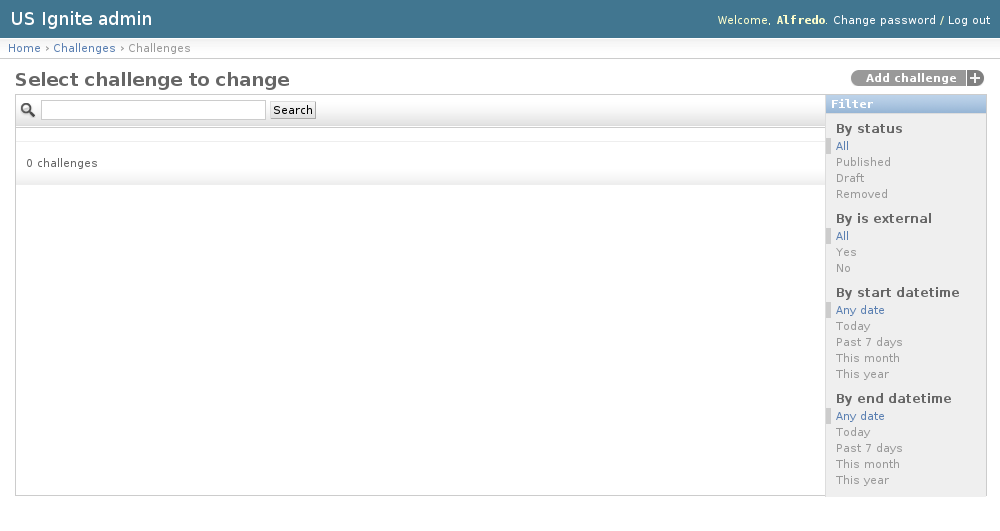
The existing Challenges can be listed in the /admin/challenges/challenge/ URL. From this section the details of these Challenges can be inspected.
And the following actions can be performed:
- View the details of the Challenges.
- Filter the Challenges by: status, is external?, start date/time, end date/time.
- Search the Challenges by their contents.
Adding Challenges
The challenges are a list of questions that the application owners can fill in in order to participate.
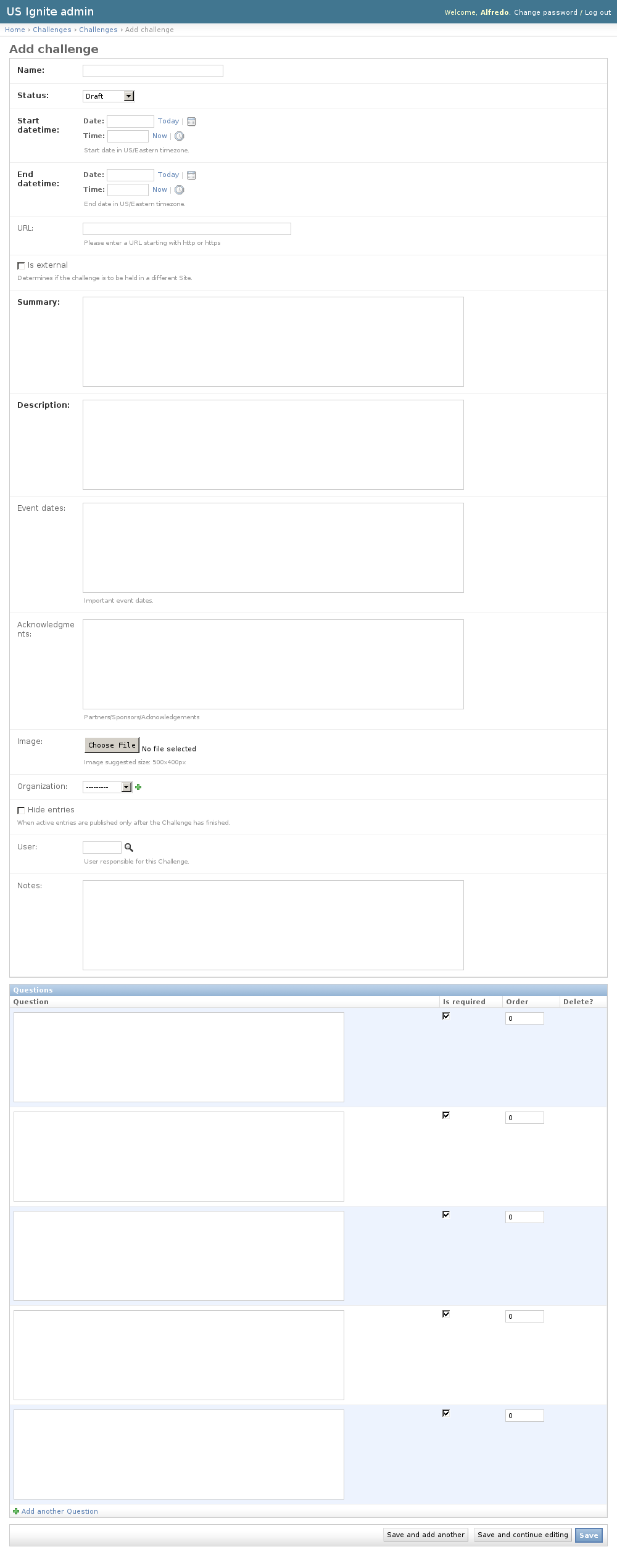
Adding Challenges can only be added via the the admin URL: /admin/challenges/challenge/add/.
The following fields are available to create Challenges:
- Name: Required. Name of the challenge.
- Status: Required. Status of the publication of the challenge.
- Start datetime: Required. Start date of the challenge in US/Eastern timezone.
- End datetime: Required. End date of the challenge in US/Eastern timezone.
- URL: Optional. Fully qualified URL in case the challenge takes place in a different site. (Please enter a URL starting with http or https).
- Is external: Optional. Determines if the challenge is to be held in a different Site.
- Summary: Required. Short description of the challenge.
- Description: Required. Description of the challenge.
- Event dates: Optional. Important event dates.
- Acknowledgments: Optional. Partners/Sponsors/Acknowledgements
- Image: Optional. Image descriptive for the challenge. Suggested size: 500x400px.
- Organization: Optional. Will be displayed as an organization associated to this event.
- Hide entries: Optional. Determines if the active entries are published only after the Challenge has finished.
- User: Optional. User responsible for this Challenge, will appear in the detail page.
- Notes: Optional. Admin notes regarding this challenges, not displayed in the site.
- Questions. Unlimited. The questions will be displayed in the order specified. The will be shown as a form in the order specified to the participants. The answers to the questions will be required (if specified) in order to participate.
Note
The hide entries flag changes the mechanics of the competition by showing them while the competion is open or not.
Unpublishing / Removing Challenges
In case Challenges needs unpublishing it can be done from the detail admin view by changing the status of the Challenges to draft or removed
Note
The Challenges can be browsed in the /admin/challenges/challenge/ URL.
View existing Entries
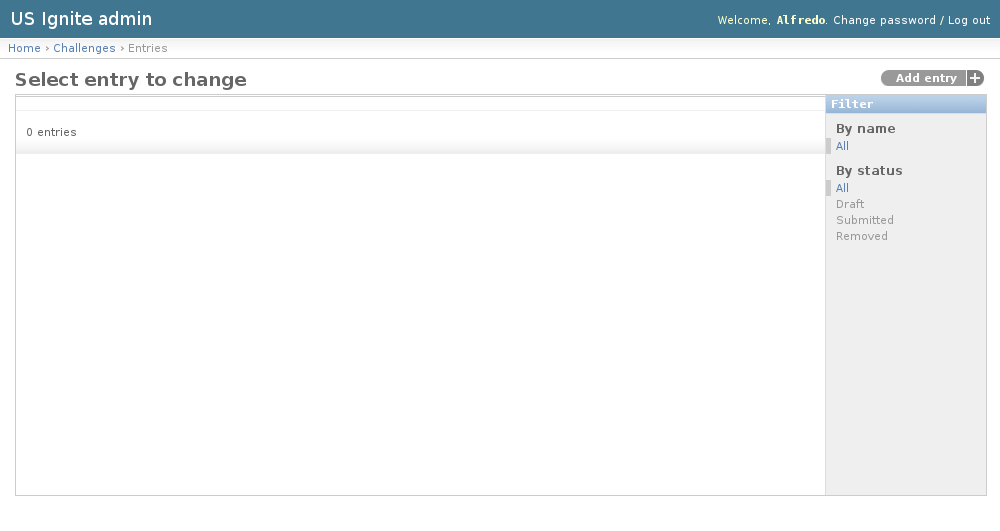
The existing Entries can be listed in the /admin/challenges/entry/ URL. From this section the details of these Entries can be inspected.
And the following actions can be performed:
- View the details of the Entries.
- Filter the Entries by: Challenge or status.
View Entry detail
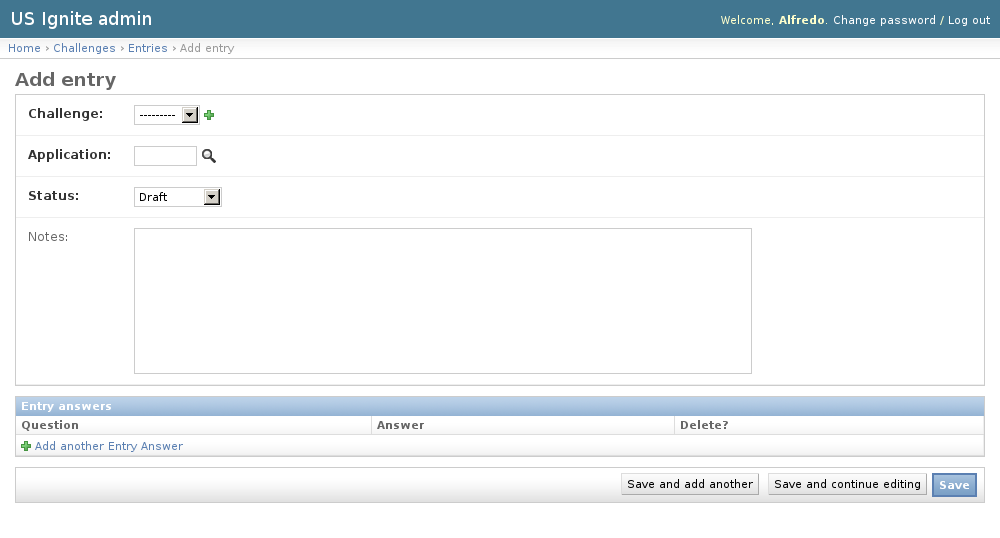
Opening the existing entries will show the details of the application and the questions answered.
The following fields are visible in the detail of the Entries:
- Challenge: Required. Challenge for this entry.
- Application: Required. Application associated to this entry.
- Status: Required. Status of this entry.
- Notes: Optional. Admin notes, not visible on the site.
Adding Entries
Adding entries must strictly be done via the front end of the Challenge form once it has opened.
Removing Entries
In case Entries needs unpublishing it can be done from the detail admin view by changing the status of the Entries to draft or removed
Note
The Entries can be browsed and filtered in the /admin/challenges/entry/ URL.