Uploads admin section
This section list the uploads section and its usage in the site.
Uploads are not directly associated to any page in the site. They can be used to upload and provide a URL for an asset.
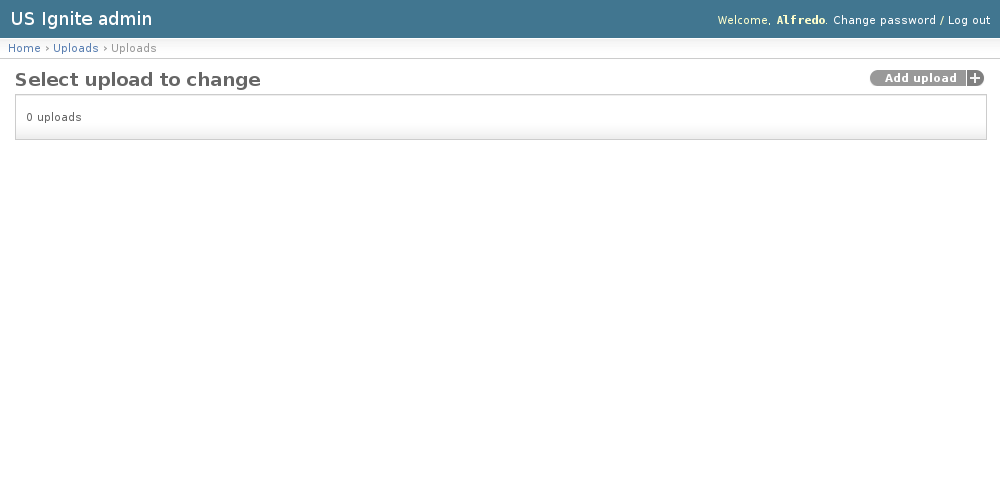
View existing Uploads
The existing Uploads can be listed in the /admin/uploads/upload/ URL. From this section the details of these Uploads can be inspected.
And the following actions can be performed:
- View the details of the Uploads.
Adding Uploads
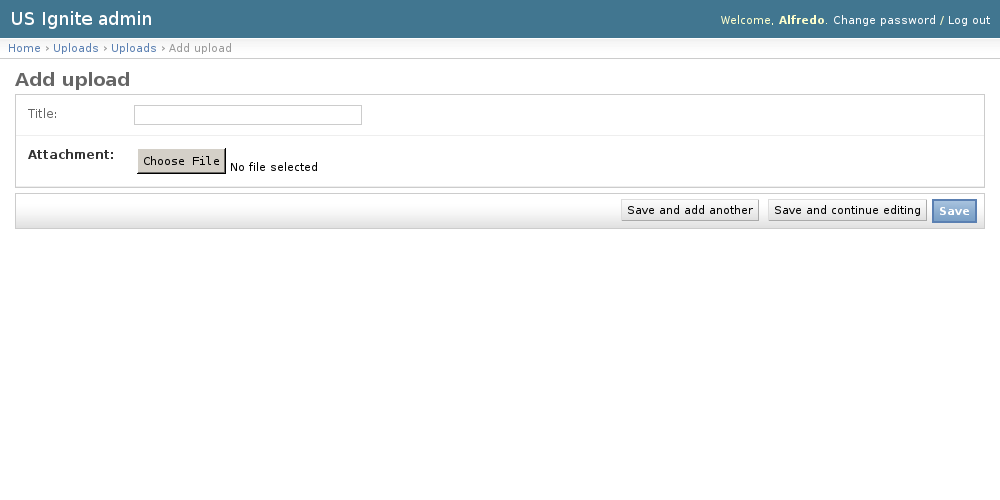
Adding Uploads can be done from the /admin/uploads/upload/add/ URL.
The following fields are available to create Uploads:
- Title: Optional. Name of the upload for reference.
- Attachment: Required. File associated to this asset.
These Uploads are created so ...
Unpublishing / Removing Uploads
In case Uploads need removing it can be deleted by clicking the delete button in the detail page.
Note
The Uploads can be browsed in the /admin/uploads/upload/ URL.
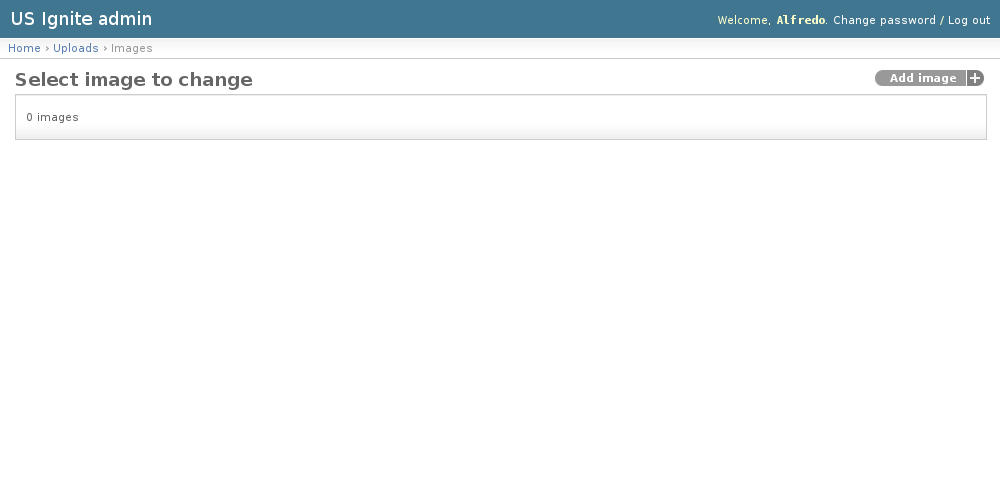
View existing Images
The existing Images can be listed in the /admin/uploads/image/ URL. From this section the details of these Images can be inspected.
And the following actions can be performed:
- View the details of the Images.
Adding Images
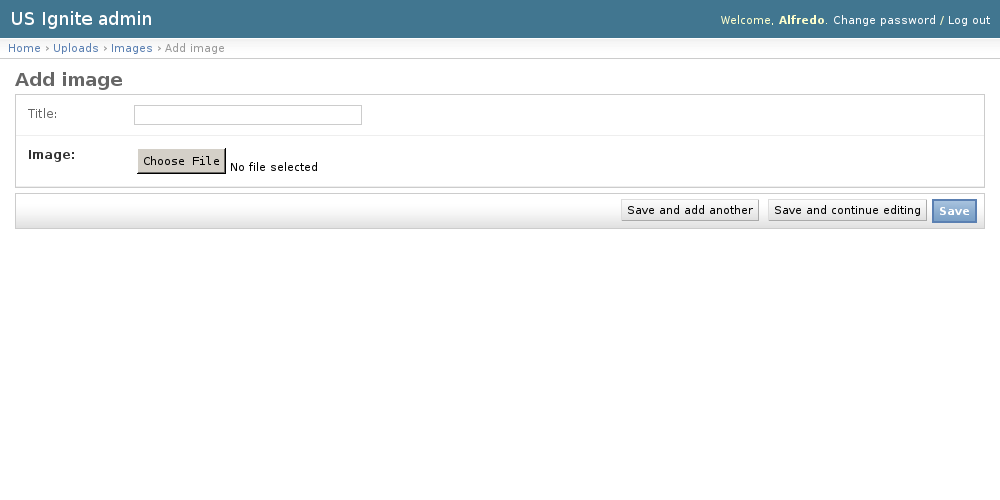
Adding Images can be done from the /admin/uploads/image/add/ URL.
The following fields are available to create Images:
- Title: Optional. Name of the image for reference.
- Image: Required. Uploaded image.
These Images are created so ...
Removing Images
In case Images need removing it can be deleted by clicking the delete button in the detail page.
Note
The Images can be browsed in the /admin/uploads/image/ URL.