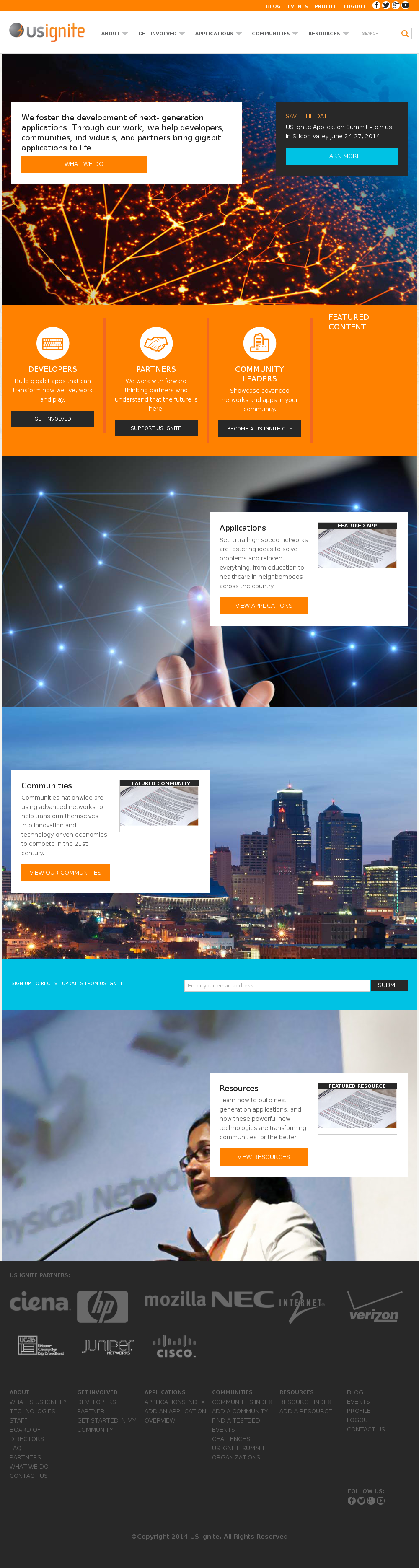
Snippets admin section
This section list the snippets section and its usage in the site. The snippets are used across the site to render small dynamic blocks of HTML.
Note
The snippets are used in conjunction with the templates of the site. They rely on an unique key to determine where they should be rendered, if they are not implemented in the templates they are unusable.
View existing Snippets
The existing Snippets can be listed in the /admin/snippets/snippet/ URL. From this section the details of these Snippets can be inspected.
And the following actions can be performed:
- View the details of the Snippets.
- Filter the Snippets by: status, is featured?, creation date.
- Search the Snippets by their contents.
Adding Snippets
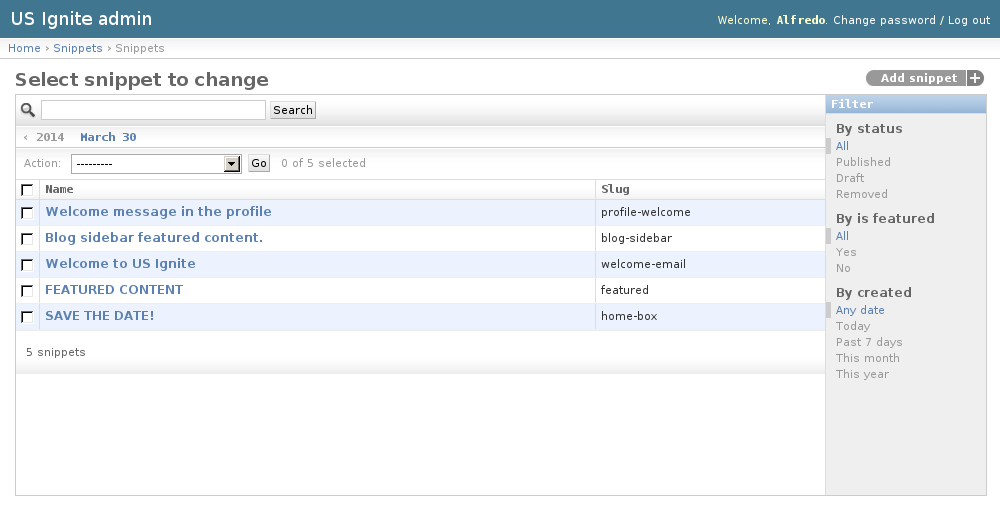
Adding Snippets can be done from the /admin/snippets/snippet/add/ URL.
Note
The snippets are used in conjunction with the templates of the site. They rely on an unique key to determine where they should be rendered, if they are not implemented in the templates they are unusable.
Editing existing Snippets
The following fields are available to create Snippets:
- Name: Required. Name of the snippet.
- Status: Required. Publication status of the snippet.
- Slug: Required. Keyword used to render this snippet of content.
- Body: Optional. HTML content of the snippet.
- URL: Optional. URL to link the snippet.
- URL text: Optional. Text to be used in conjunction with the URL
- Image: Optional. Image to acompany the content.
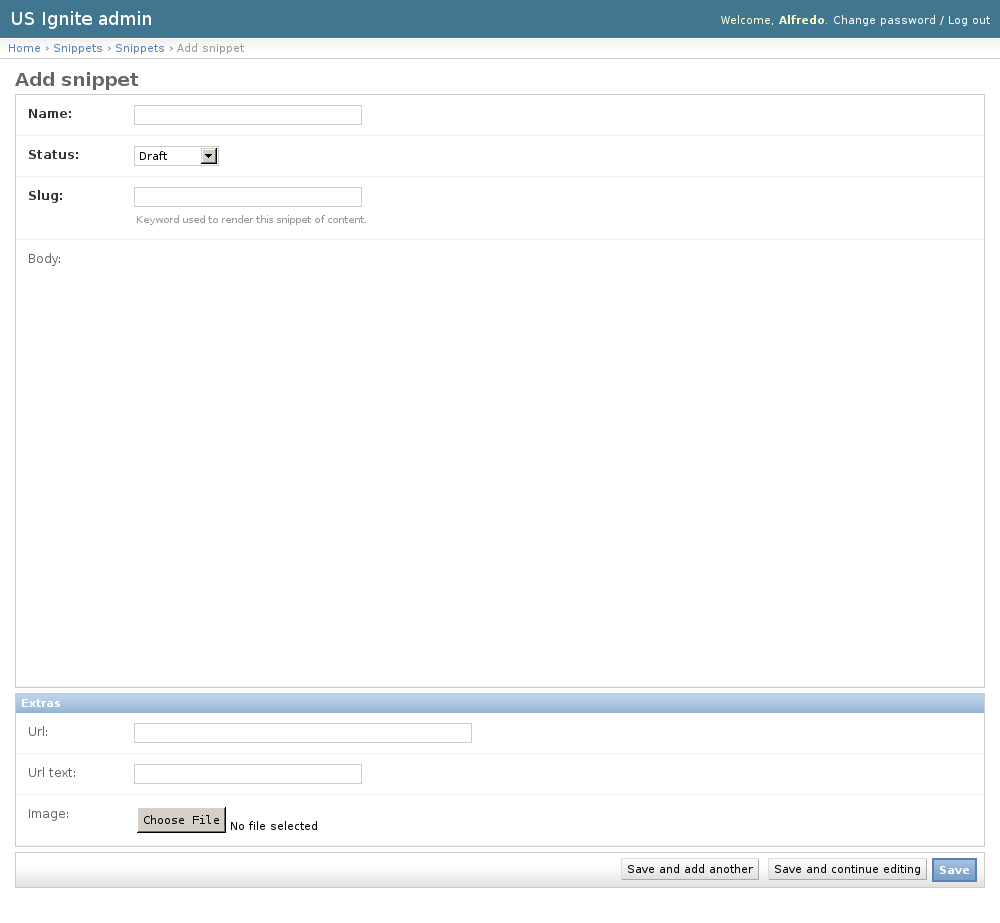
Snippet: profile-welcome
Text only used to welcome users when they login and access their profiles.
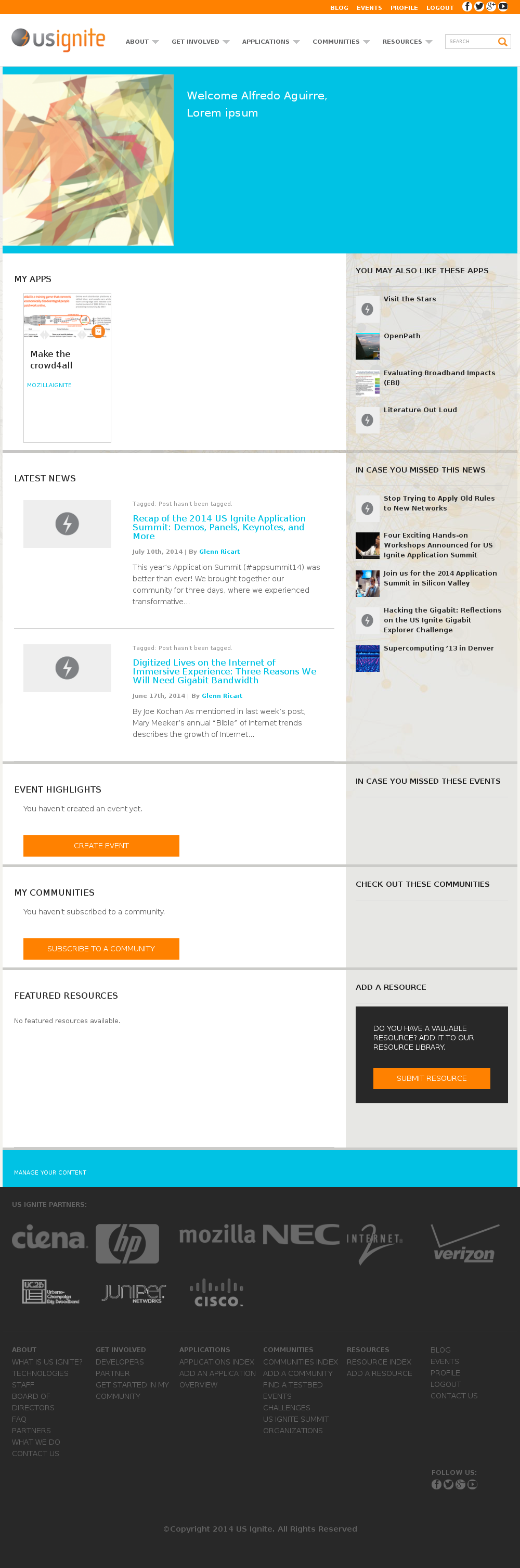
Snippet: welcome-email
Text used to send the welcome email to the users.
Snippet: featured
Featured snippet for the orange box in the homepage next to: developers, partners and community leaders.